 Racespot
You're following a runner
A runner sent you a link. That's all you need: no app, no account. Here's how to get the most out of it.
 A replayed marathon with three runners, no sign-up.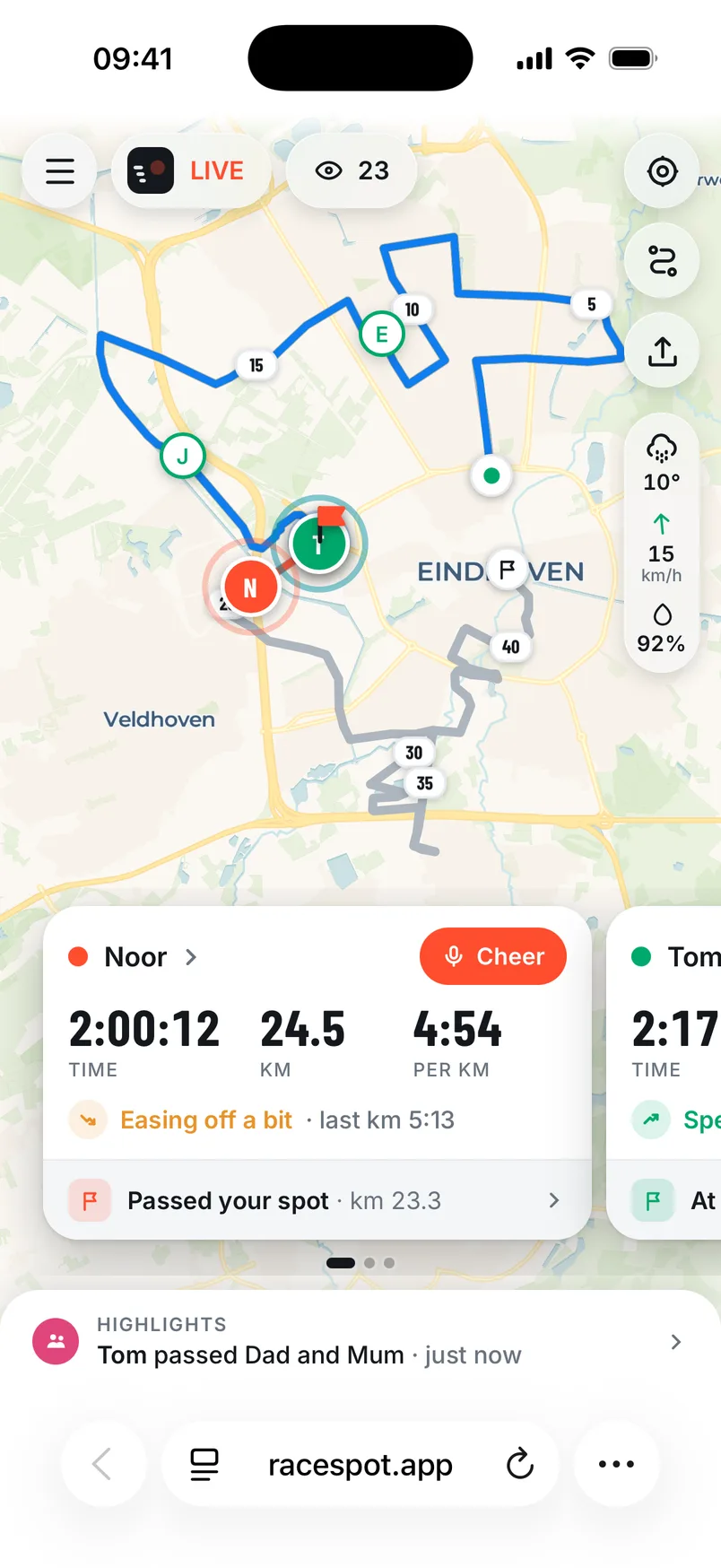
How it works
- 1
Open the link
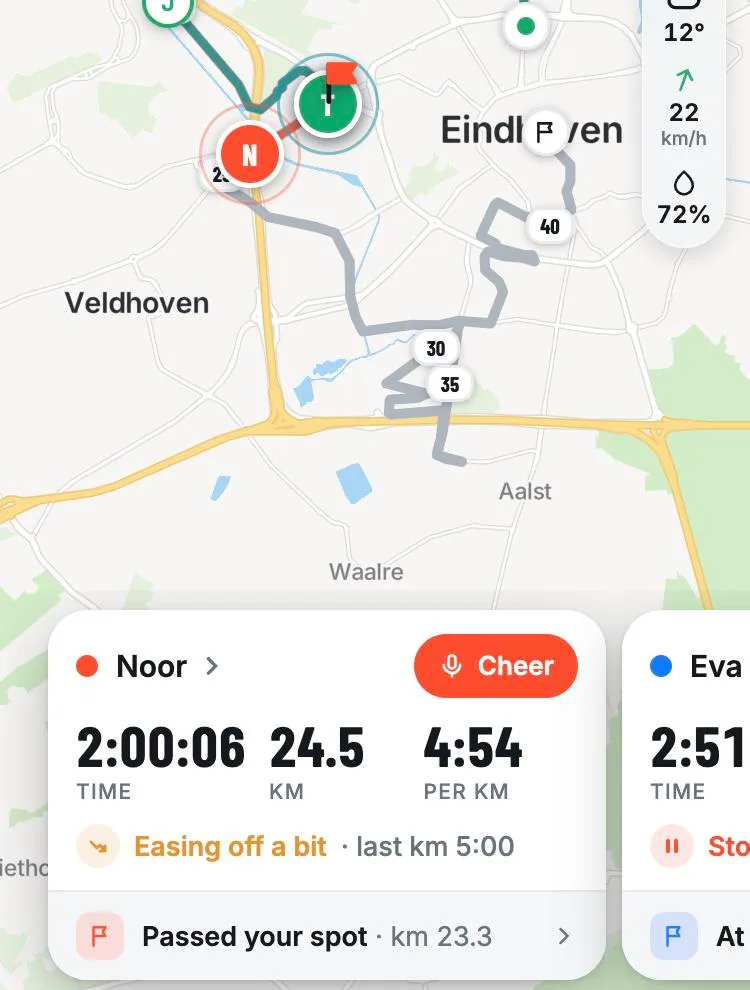
The map opens in your browser, on your phone or computer. You see your runner live on the course, with time, distance and pace. Following more runners? They are on one map, each in their own colour.
- 2
Pick your spot
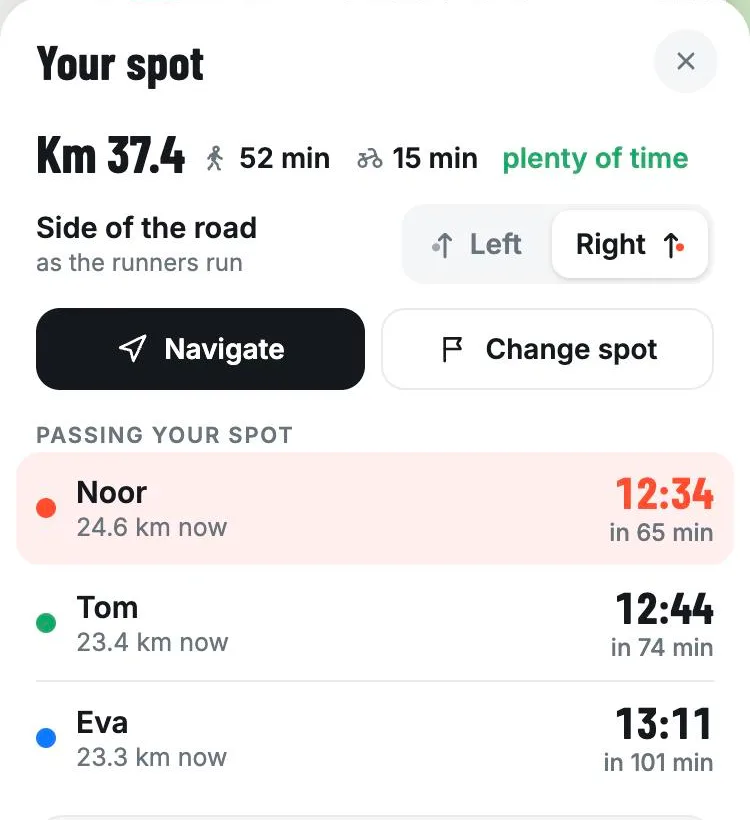
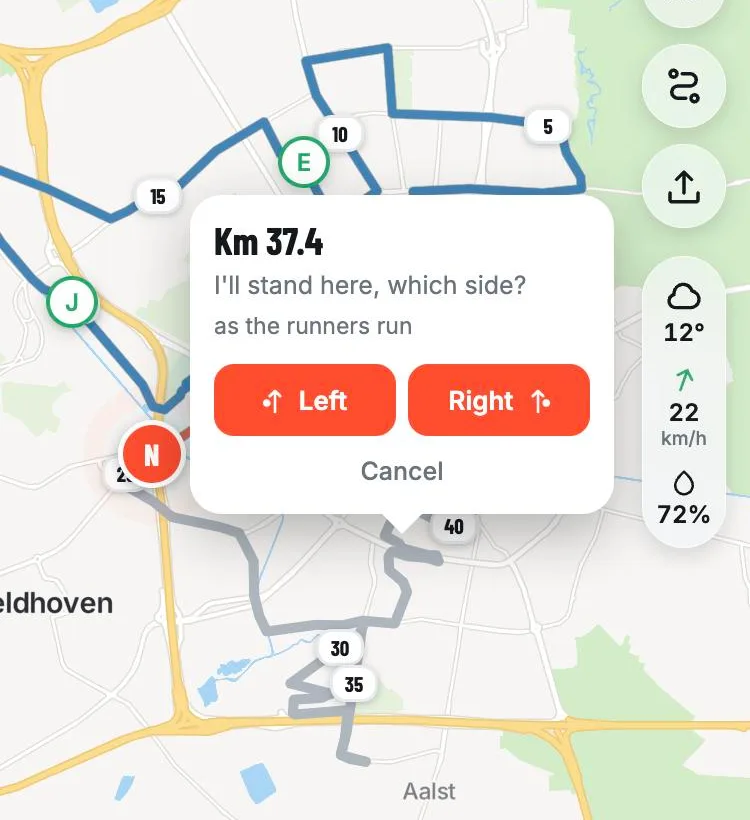
Tap a point on the course and see roughly when your runner will pass, with directions to get there. Handy to know which spot you can still make after that.
- 3
Share your spot
Share your spot and pick which side of the road you're on. Your runner hears along the way that you're coming up, for example: in 300 metres Mum is on the right.
- 4
Record a cheer
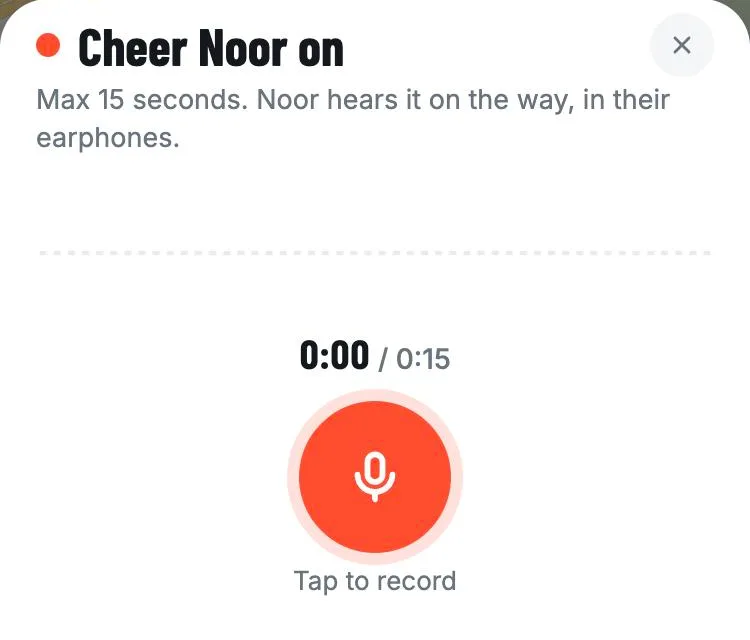
Record up to 15 seconds and choose when your runner hears it: right away, at a kilometre, or just before your spot. Under Highlights you see when your runner heard it.
Good to know
- Does the dot turn grey? Then your runner's phone has no signal for a moment, for example in a tunnel or a busy street. The dot comes back by itself.
- A small red battery next to the name means your runner's phone is almost empty.
- Following and cheering is always free.
Another question?
Help and contact has the questions we get most often.