 Racespot
Ten years ago almost everyone left their phone in the bag. Now you see it in waist belts, armbands and back pockets. That makes sense: you can be reached, you can listen to music, and the people at home can follow you live. But a phone using GPS and mobile data for three or four hours needs some preparation.
Why take it?
The three reasons we hear most: safety (if something happens, you can call or be called), music or a podcast, and being followed from a distance. For that last one the phone has to come along: it works out where you are and sends it on.
What does it cost in battery?
What drains a phone along the way comes down to three things:
- The screen. By far the biggest user. Keep it locked in your pocket, and don’t check it every kilometre.
- GPS. It’s on for the whole race to work out where you are. That costs power, but less than the screen.
- The mobile network. Every time the phone sends something, the radio wakes up for a moment. Lots of small messages cost more than a few larger ones. So an app that bundles them cleverly makes a difference.
Cold matters too: a cold battery drains faster and can even shut down suddenly at low temperatures. Carry it close to your body. And if your phone is a few years old, check the battery health under Settings > Battery.
Start at 100%, keep the screen locked, and look at it as little as you can along the way.
Without signal
You won’t have signal everywhere along the course. In tunnels, under wide bridges and in busy stretches with lots of people on one mast it can drop for a moment. That’s no disaster, as long as your app keeps the points and sends them as soon as there’s signal again.
The busiest place is often the start pen: thousands of people on the same mast at once. So get everything ready before you enter the start pen.

Where do you carry it?
Not in your hand: after an hour that gets heavy and throws your running off. What does work:
- A waist belt or running belt, snug around your middle. Bounces the least.
- Shorts or a top with a back or side pocket. Handy, but check that it doesn’t swing.
- An armband. Works for many people, though big phones feel heavy in one.
Whatever you choose: try it on a long run, not on race day.
Earbuds
Check your race’s rules for what’s allowed. If you go for earbuds, stay aware of what’s around you: open earbuds or one earbud in let you hear announcements, marshals and your supporters.
The evening before
- Phone on the charger, so you start at 100%.
- Update your apps, so nothing updates along the way.
- Set up the race in your tracking app and share the link already.
- Put your belt or pocket next to your bib.
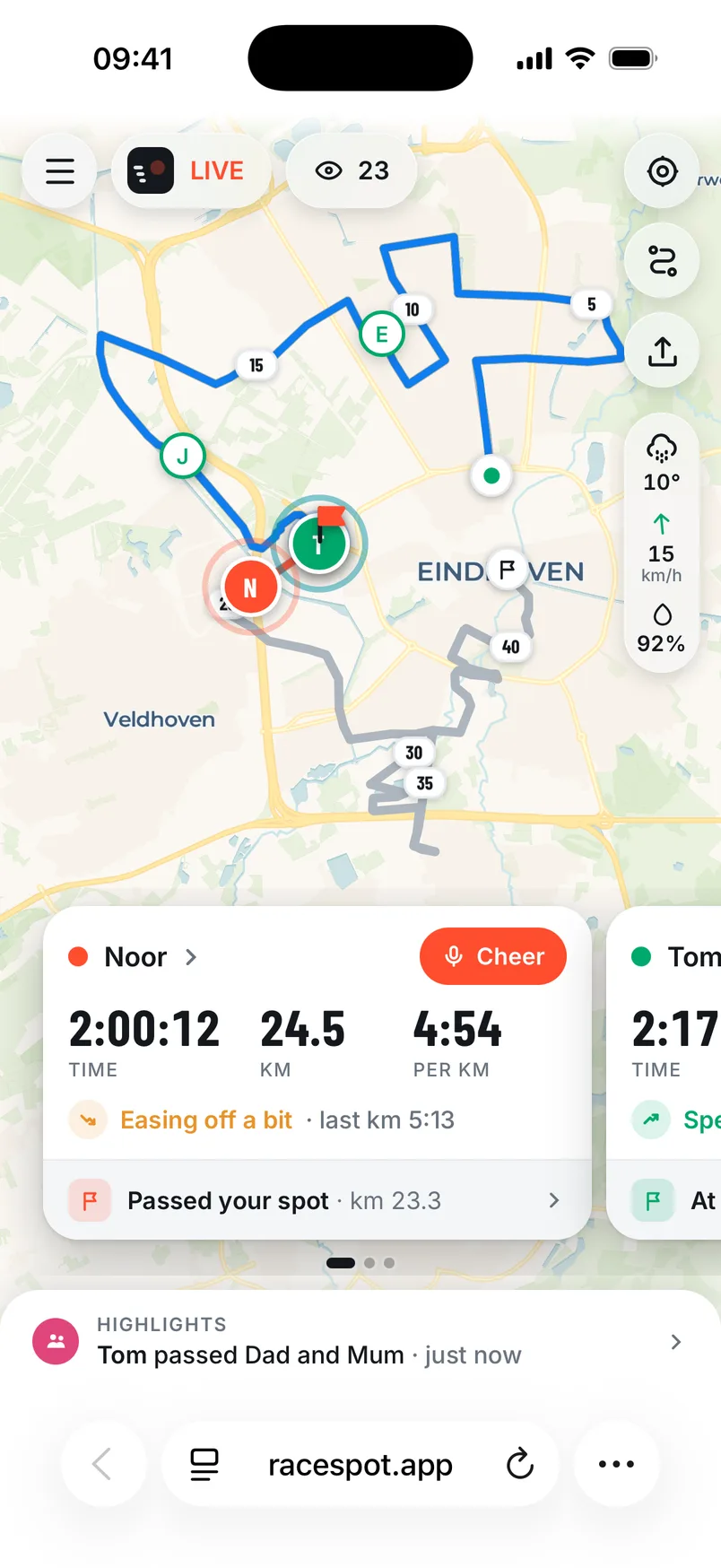
In Racespot, supporters see a small red battery next to your name when your phone drops below 20%. That way they always know how your phone is doing.