 Racespot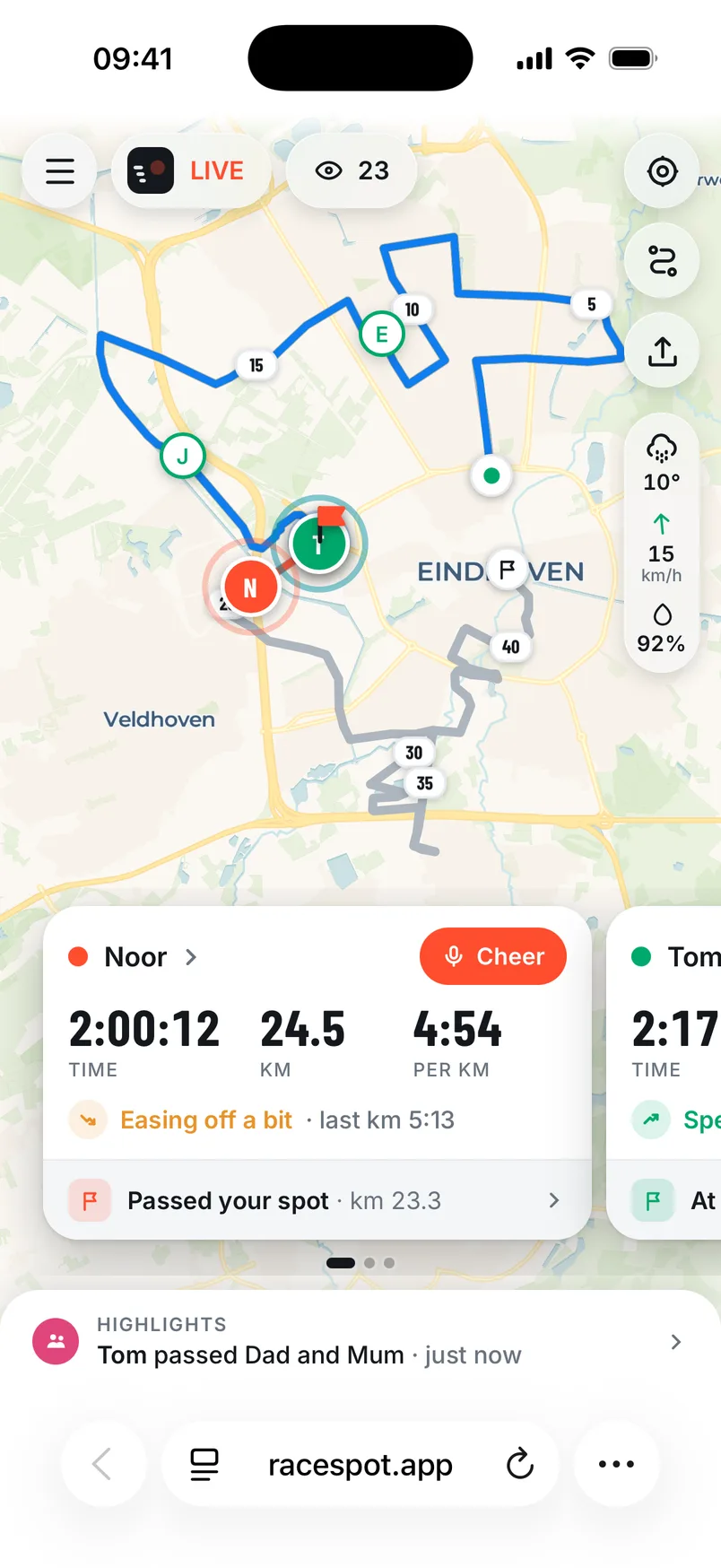
A lot comes together at a race: thousands of people, one mast, earbuds, a phone in your pocket. If something goes differently than you expect, the fix is usually one tap. Below are the questions we get most.
Your time doesn’t start by itself
Your time starts as soon as you’ve been running for about a minute without stopping, and then counts back to the moment you started. Check that you tapped I’m in my start pen in the start pen. Don’t want to wait? Tap Start my time now.
Warming up first? No problem: if you then stand still for a few minutes at the start of the course, the app puts you back in the start pen.
Your dot pauses for a moment
If your supporters see your dot stop moving for a moment, your phone has little signal right then, for example in a tunnel or a busy street. The app simply keeps your points and sends them as soon as there’s signal again. The line on the map then fills in by itself.
You don’t hear cheers
- Check that your earbuds are connected and the volume is up.
- Check that you didn’t tap Turn sound off in your race. If so, tap Turn sound back on.
- Cheers always come in, even when the sound was off. After the race they’re with your race, with the text alongside, to listen back to.
A cheer never gets lost: after the race it's with your race.
Your race keeps going after the finish
The app stops by itself a few minutes after you’ve crossed the finish and stopped running. Your finish time is your arrival at the finish, so those few minutes don’t count. Want to stop right away? Tap Stop race.
Your location is off
Open Settings on your iPhone, then Racespot and Location. Choose “While Using the App” and turn on Precise Location. “Always” is fine too, but not needed.
A supporter can’t open the link
The link works in any browser, on phone, tablet and computer. No app or account needed. If it doesn’t work, send the link again, or have your supporter copy it and paste it into the browser. There’s a guide for supporters at Following a runner.